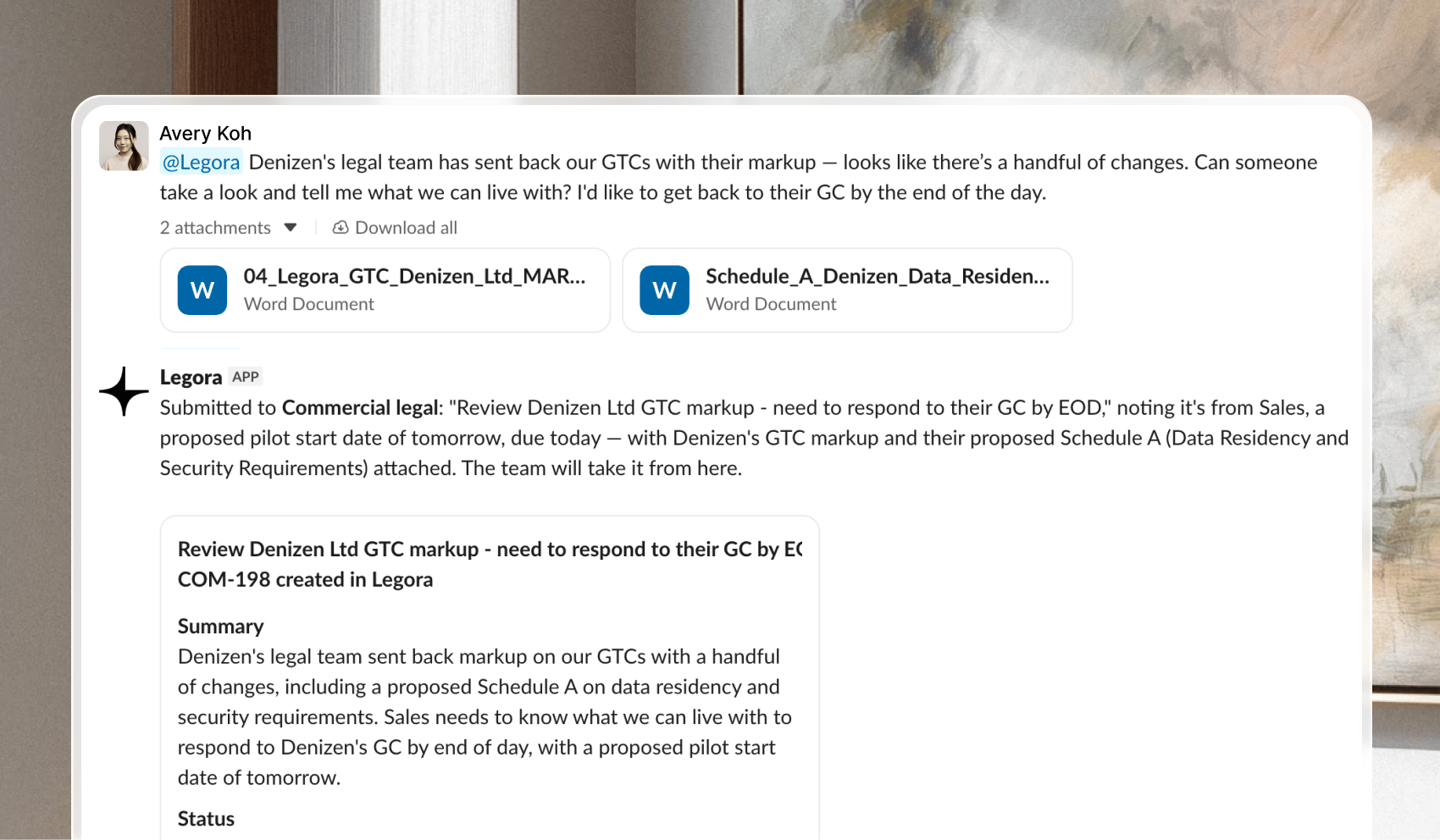
You can now use Legora directly when sending a request in Slack. Anyone in your Slack workspace can mention @Legora to open a tracked request, such as a contract review, deal support, or a regulatory question.A request posted in a Slack thread usually has no owner and no record. Someone has to copy it into another tool before the work can start.With @Legora in the channel, the request is captured from the message itself:
If anything is missing, you’re asked for it in the same thread.
The request is then sent to the right team. Depending on your team’s setup, an owner can also be assigned.
The work is tracked, and the reply comes back to the Slack thread.
Requests work in channels and in threads, not in direct messages. That keeps each request visible to the people in the channel.Read the Privacy Policy for how Legora handles personal data.
@Legora only sees a channel after someone invites it in. Invite @Legora to this channel, or send the request in a channel where mentions already get a reply. If it isn’t available anywhere in the workspace, ask an Admin to connect Slack.